
Model guide · Juggernaut XL Lightning & XI v11
Run Juggernaut XL on a Mac
Juggernaut XL runs locally on Apple Silicon in DiffusionBear, a free MIT-licensed Mac app with a native MLX SDXL engine. On an M1 with 16 GB, Juggernaut XL Lightning generates a 512×768 image in about 8 seconds; Juggernaut XI v11 takes about 36 seconds.
The short answer
Juggernaut XL Lightning, 4-bit, 512×768, four steps. On a 16 GB M1 the benchmark median was 8.19 seconds per image. Juggernaut XI v11 runs eight Hyper-SD steps in 36.05 seconds for more detail.
Both use DiffusionBear's native MLX SDXL engine with negative prompts, a sampler picker, CLIP Skip, DeepCache, TAESD fast decode and SDXL LoRAs.
What it looks like in DiffusionBear
Pick Juggernaut XL Lightning in the model picker of the Generate tab, type a prompt, and generate. Everything runs on the Mac's own GPU; no account and no cloud.

Juggernaut XL examples generated on an M1 Mac
Two outputs from Juggernaut XL Lightning and one from Juggernaut XI v11.

512×768 · 4 steps · 4-bit · seed 1005 · 8.21 s on M1 16 GB
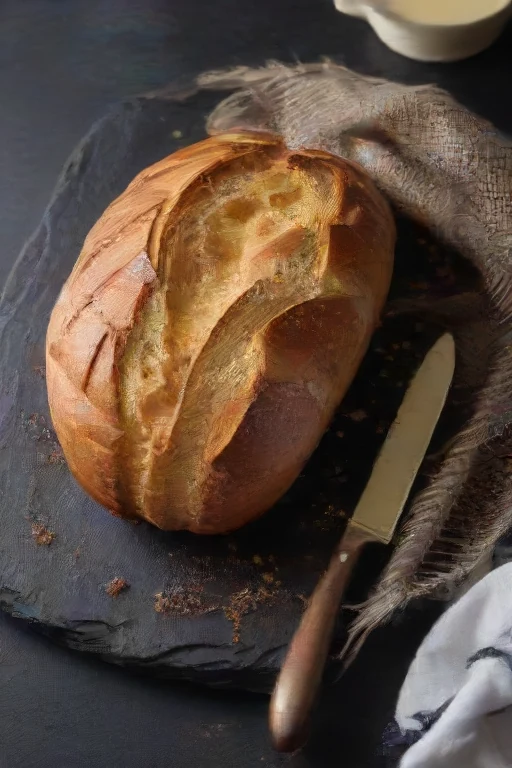
512×768 · 4 steps · 4-bit · seed 1009 · 8.35 s on M1 16 GB

512×768 · 8 steps · 4-bit · seed 1007 · 35.76 s on M1 16 GB
Juggernaut XL Lightning on which Mac?
Memory decides what fits; the chip decides how fast it runs.
| Unified memory | Fit | Notes |
|---|---|---|
| 8 GB | Not supported | Below the 16 GB recommendation. |
| 16 GB (M1, measured) | Recommended · 8.19 s | Benchmarked configuration for Juggernaut XL Lightning. Close memory-heavy apps first. |
| 24 GB and more | More headroom | Room for larger frames and LoRA stacks. Timings not measured. |
How to run Juggernaut XL on your Mac
- Download DiffusionBear v0.5.1 and move it to Applications (see install & Gatekeeper).
- Open the Models tab and download Juggernaut XL Lightning (about 7.1 GB).
- In the Generate tab, pick it, keep 4-bit and four steps, and set 512×768.
- Write the prompt and generate. Keep the seed if you want to reproduce the image.
Juggernaut XL on Mac FAQ
Can I run Juggernaut XL on a Mac?
Yes. DiffusionBear ships Juggernaut XL Lightning and Juggernaut XI v11 and runs them with its own MLX SDXL engine on Apple Silicon, without PyTorch.
How fast is Juggernaut XL on an M1 Mac?
In the DiffusionBear v0.5.1 benchmark on an M1 with 16 GB at 512x768, Juggernaut XL Lightning took a median 8.19 seconds at four steps and Juggernaut XI v11 took 36.05 seconds at eight Hyper-SD steps. Other chips have not been measured.
Does Juggernaut XL work on a MacBook Air or Mac mini?
Any Apple Silicon Mac from M1 to M6 with macOS 26.2 or later can run DiffusionBear. 16 GB of unified memory is the recommended floor; 8 GB is not supported. Juggernaut XL has only been timed on an M1 with 16 GB.
Can I use Juggernaut XL images commercially?
Juggernaut XL Lightning is listed under the CreativeML OpenRAIL-M licence, with conditional commercial use. Check the model licence and the DiffusionBear licences page before commercial use.